Design user-friendly Salesforce record pages

Design User-Friendly Salesforce Record Pages | Kate Clicks Through It

By

Welcome to another episode of Kate Clicks Through It—where we don’t just talk Salesforce, we click through it! In each quick episode, I’ll guide you through a step-by-step tour of a key backend process to help you grow your Salesforce skills in ten minutes or less.

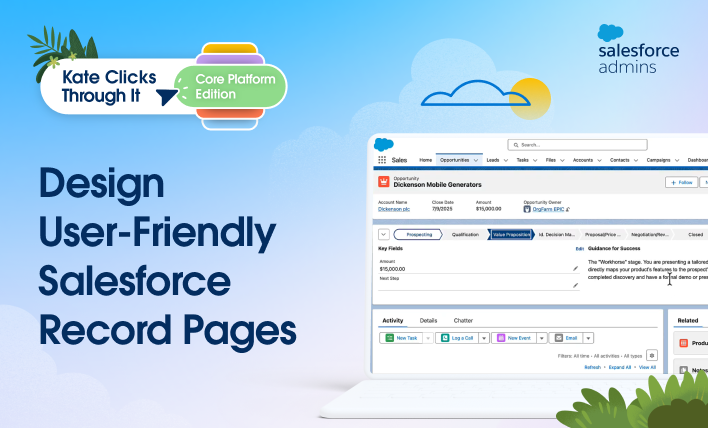
In this click-through, we’re creating user-friendly record pages to help your users work more efficiently. If you’ve ever experienced record pages that feel cluttered, confusing, or misaligned with how your teams actually work, you know how quickly that friction can slow everyone down. By using features like Path, Guidance for Success, and Dynamic Forms, you can reduce uncertainty, clarify expectations, and help your users make better decisions. 

Let’s see how these three standard Salesforce features come together to create a more personalized, user-friendly experience.


Next steps

Ready to create personalized, user-friendly record pages? Start with a simple use case from your own team and think about how you could guide users through each stage of their process—keeping them focused, consistent, and confident. When record pages are designed around real workflows, users feel supported rather than burdened, leading to higher satisfaction and cleaner, more complete data.

Check out the resources below, and join me for my next click-through, coming soon. 

Resources

Want to see more good stuff? Subscribe to our channel!

SUBSCRIBE TODAY
How I Solved It with Jennifer Lee and Dee Ervin

Search Unsearchable Field Data Types | How I Solved It

Welcome to another “How I Solved It.” In this series, we do a deep dive into a specific business problem and share how one Awesome Admin chose to solve it. Once you learn how they solved their specific problem, you’ll be inspired to try their solution yourself! Watch how Dee Ervin searched unsearchable field data […]

READ MORE